Review: Radio Science for the Radio Amateur

Radio Science for the Radio Amateur is one of the more recent ARRL publications that I added to the bookshelf.

At a couple hundred pages or so (it follows the ARRL’s annoying chapter-page numbering rather than using regular page numbers), the book is pretty light reading and should be pretty easy to get through in one or two reading sessions.

The concept behind the book has a lot of potential, but this attempt doesn’t go deep enough into anything to be all that useful. I’m left with the feeling of “Oh, that’s pretty neat” but then end up grasping at air because of the lack of substance.

One significant flaw in the book is the lack of references and other resources that readers can go to for more information. For example, the circuit simulation chapter mentions SPICE and tells you it can be used to simulate circuits, but that’s it. You’re left to go find additional information on your own. A list of resources (books, websites, etc) at the end of each chapter would be immensely useful for such an introductory level book.

2 stars out of 5.
Ensemble RXTX build – Driver/PA

The driver/PA section is the final section of the build.

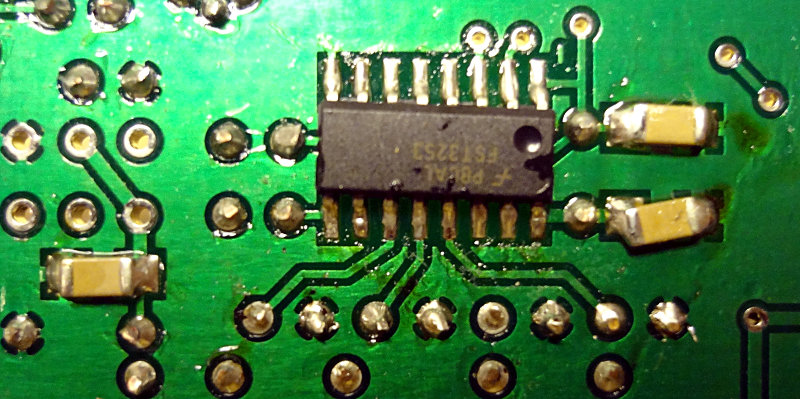
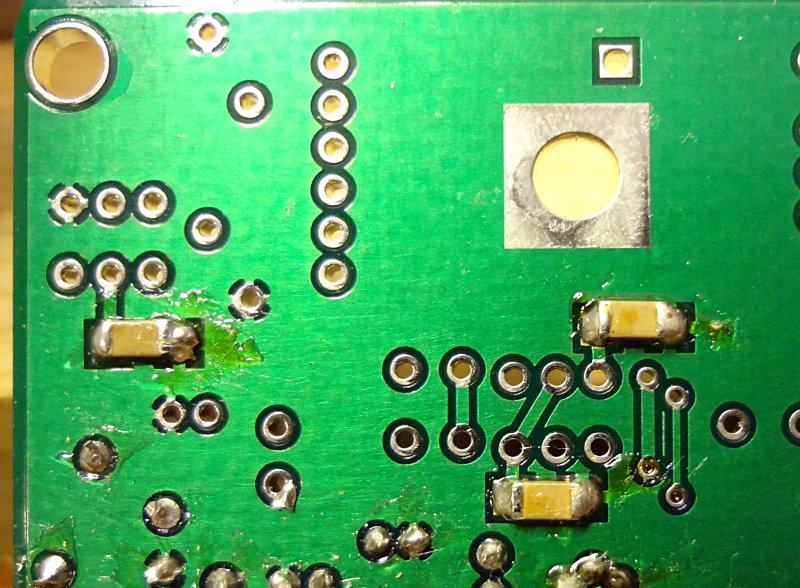
Three capacitors are the final SMD components left to solder onto the back of the board.

Capacitors for the driver/PA section

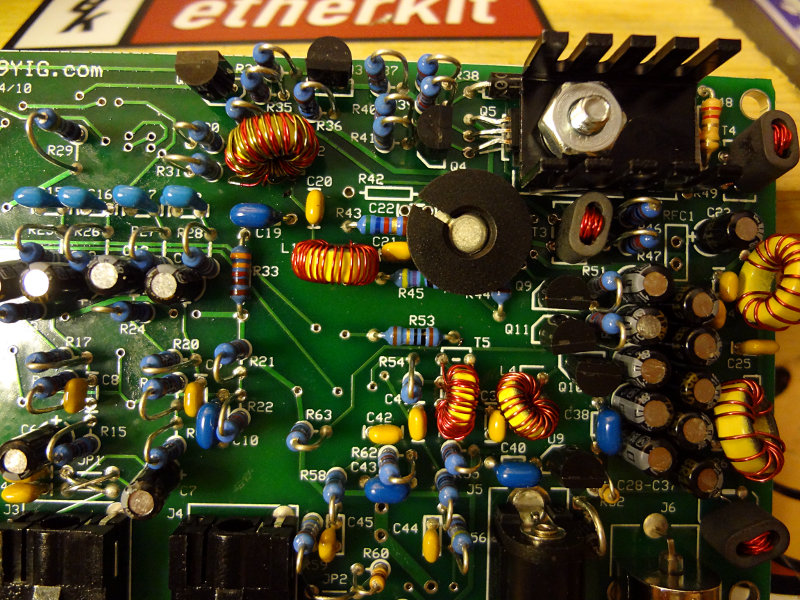
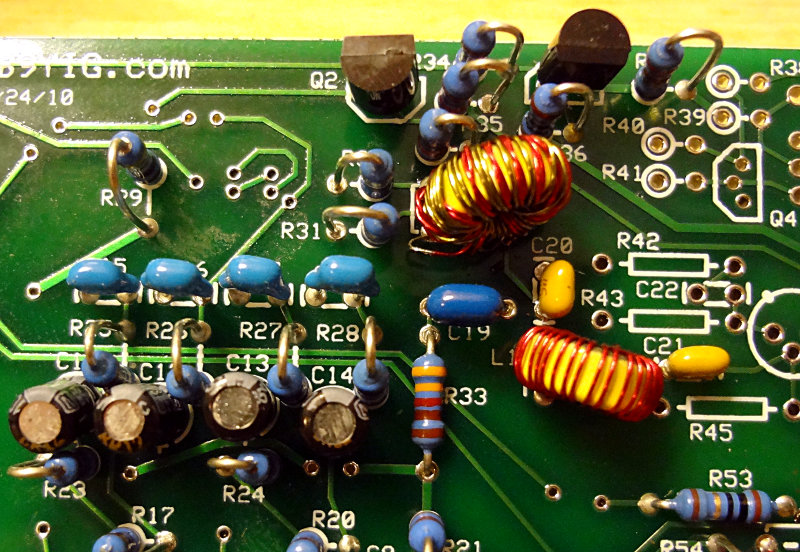
Two binocular core transformers are part of this section. You might be tempted to do these last, but I suggest making them the first components to install. The top of the board is starting to get pretty crowded at this point and you’ll want a bit of room to thread the wires for the transformers through the holes. Same for the RF choke (RFC1, which I noticed I inadvertently left out).

The transformers themselves can be tough to wind. Make sure you pull each wire tightly through the hole or you’ll have a hard time fitting all the windings in.

The three BS170 FETs get covered up by a heatsink and pad. The 2N2222 transistor also gets a heatsink treatment. There are a few components that get partially covered up by the heatsinks, so make the FETs and 2N2222 the last parts you work on.

Everything else is pretty simple and should go together without any issues.

Ensemble RXTX driver/PA section

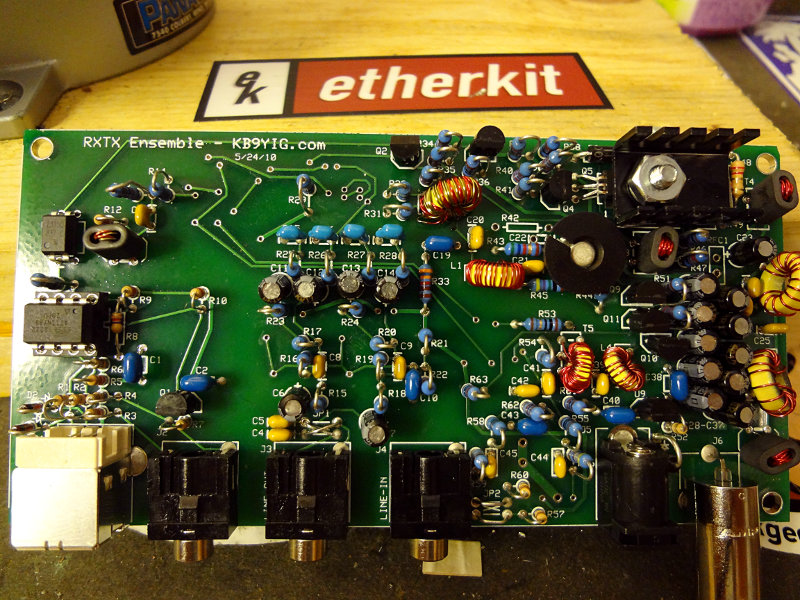
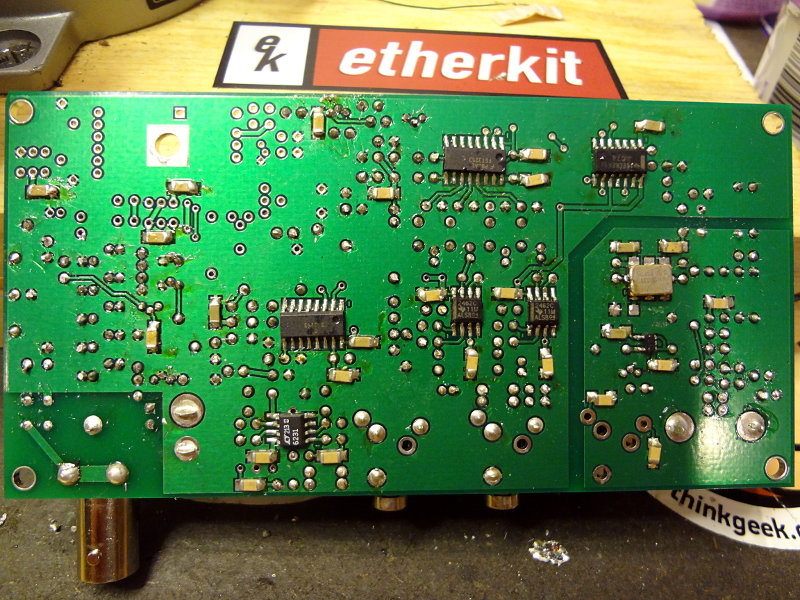
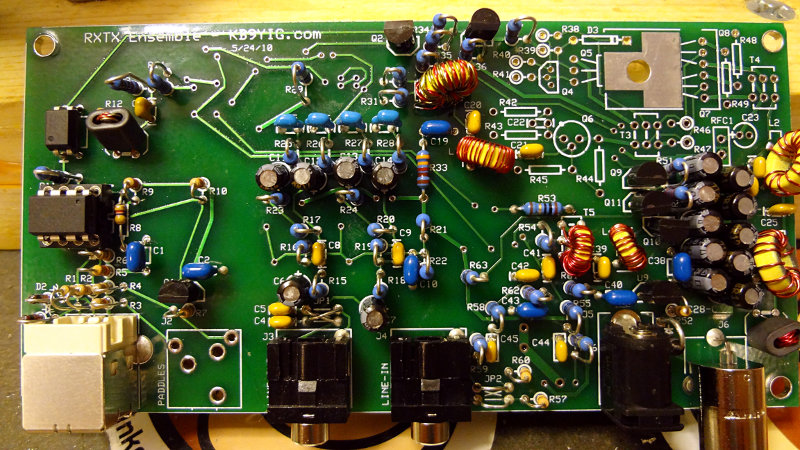
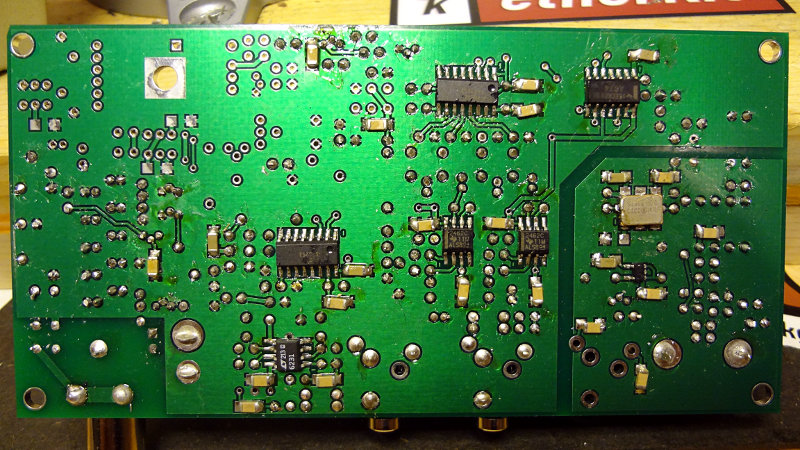
The top and bottom of the (practically) completed board.

Ensemble RXTX top
Ensemble RXTX top
Ensemble RXTX bottom


Ensemble RXTX build – TX mixer

The TX mixer section doesn’t have quite as many components as the previous section, but there are a few band specific components including a toroid and transformer so you’ll want to make sure you have the right band selected if you’re following the WB5RVZ build instructions.

Like the RF mixer stage, the only SMD components are the FST3253 IC and three accompanying capacitors.

Ensemble RXTX TX mixer

The through hole components consist of a 3904 transistor and a few capacitors and resistors. Watch out for accidental solder bridges between the closely spaced holes of the transistor.

Both the L1 inductor and T2 transformer have a lot of turns to wind onto a relatively small T30 core. If you have some 28 or 30 gauge magnet wire that’s a different colour than what comes in the kit, use it for either the primary or secondary winding on T2. That will help make it easier to separate out the T2 wires before soldering onto the board.

Ensemble RXTX TX mixer toroids

Here’s the top and bottom of the board so far.

Ensemble RXTX Top
Ensemble RXTX Top
Ensemble RXTX bottom

One more section left in the build: the driver/PA section.

Ensemble RXTX build – TX op amps

Lots of parts to solder on in the TX op amp section, but most of them are through hole. No band specific compnents to worry about.

You might be tempted to place them all at once and then start soldering, but with all the dangling leads you end up with, it can make getting around with the solder and soldering iron a bit difficult. I found it easier to place a few components, solder, trim the leads and then repeat with a few more components.

I cross-wired JP1 here instead of jumpering them straight across, based on the notes in the build instructions. May end up having to change this, but we’ll see.

Ensemble RXTX TX opamps top

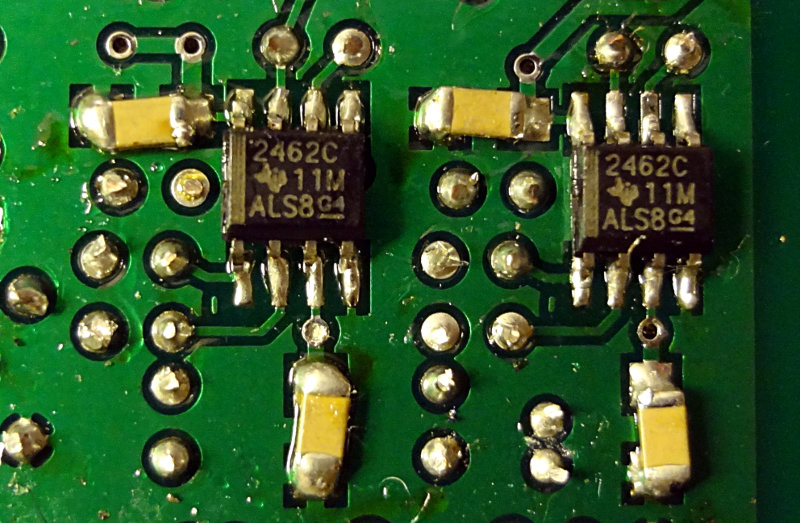
Two SMD op amps and accompanying capacitors go on the bottom of the board. By now, soldering the SMD components should be pretty easy, even if you’re new at working with them.

Ensemble RXTX TX opamps section bottom

Getting near the end of the build now. Only two more sections left: the TX mixer and PA. TX mixer section is up next.

Ensemble RXTX build – RX Opamps and Output

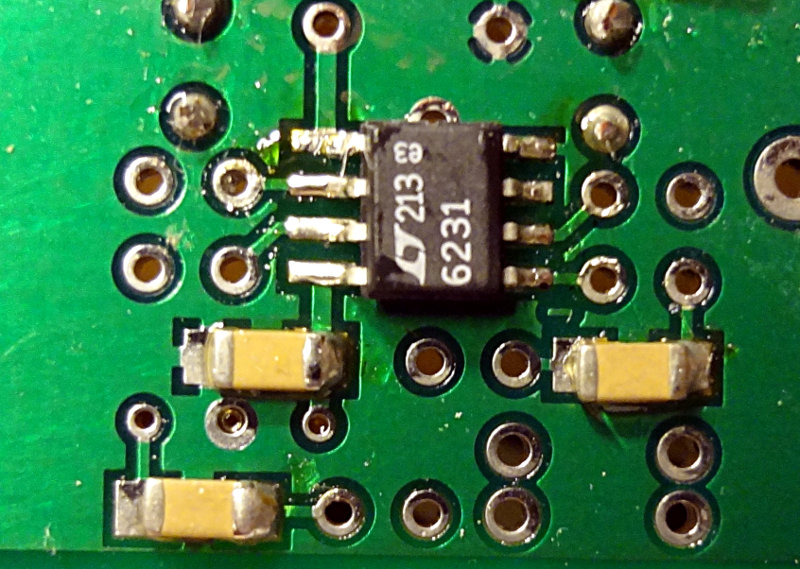
The RX op amp/output stage is another relatively easy one. A handful of non-band specific through hole parts, 3 SMD caps and the SMD op amp. Nothing too difficult here, although again, you’re dealing with pretty tight quarters with the through hole parts.

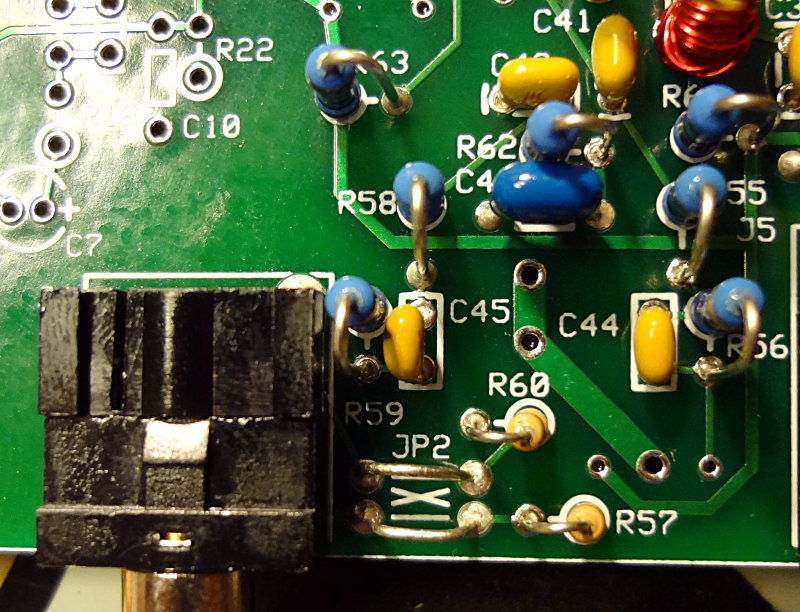
The line-in (which goes to the line in port on your computer’s sound card) is the largest component to deal with.

The instructions for wiring JP2 in the build instructions were a bit confusing. My interpretation was that if your jumpers crossed over (jumper wires formed an X), then you could use any of the software mentioned (PowerSDR, Rocky, Winrad). In this configuration, you’d need to set a “Swap IQ” setting in Rocky/Winrad. If the jumpers were straight across, you could use Rocky or Winrad, but not PowerSDR.

I chose to jumper them straight across as shown in the WB5RVZ build instructions.

Top of the board for this section.

Ensemble RXTX jumpering

Bottom of the board

Ensemble RXTX RX opamps/output section bottom

Next section is the TX op amp. Lots of parts there.